One photo in.
An ad out.
Pick a template, add a photo of what you sell, and get a finished 5- or 10-second clip with its own sound. No prompt to write, nothing to edit.
How every clip below was made
Three steps, the same ones you take in Studio.
Pick a template
Fifteen looks: a product spin, a food ad, an unboxing, a TikTok hook and more. Each one is a shot already written and tested, so there is no prompt to get right.
Add one photo
A photo of your product, your logo, a screenshot of your app, or a character from your library. Where the template asks, a word or two such as the product name.
Create
A 5- or 10-second clip comes back with its own sound, ready for TikTok, Reels or Shorts. It is drawn from the same monthly video seconds as any other clip.
Each clip on this page was made from the picture shown on it (the mascot from a character’s four views), the template, and the word or two the template asks for, such as a product name. Nothing was edited afterwards. Model: Seedance 2.0 Fast. The pictures are samples.
Fifteen templates
Each clip plays while it is on screen, with the sound off here; the clips you make have their own. The small picture in its corner is the one it started from.
Ads
 Picture
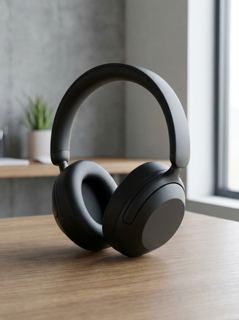
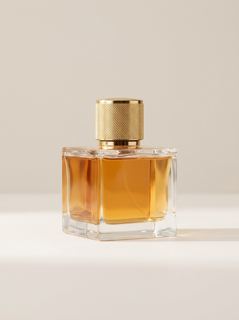
Product spin
Your product turning under studio light
 Picture
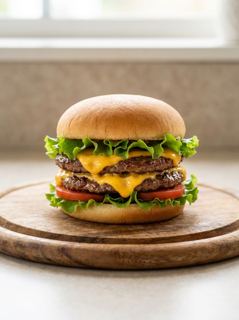
Unboxing
Hands open the box and reveal it
 Picture
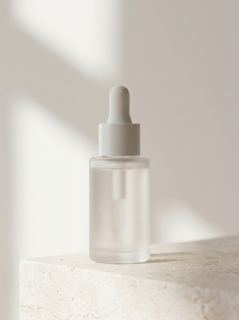
Food ad
Steam, sauce and slow-motion close-ups
 Picture
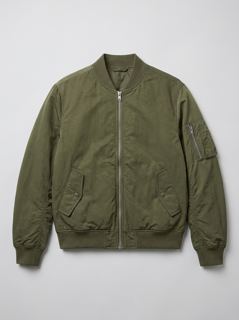
Beauty macro
Water drops, pastel light, macro lens
 Picture
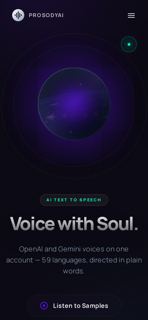
Fashion lookbook
The outfit on a runway walk
 Picture
App showcase
Your screen on a phone in hand
 Picture
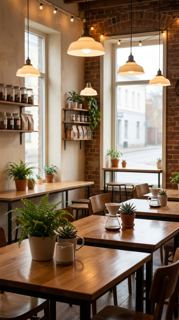
Venue tour
A smooth walk through your place
 Picture
Sport action
Your product in a high-energy moment
 Picture
Logo reveal
Light gathers into your logo
 Picture
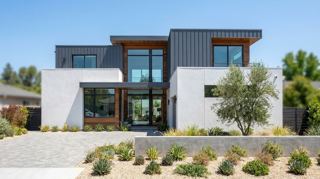
Property tour
Drone in, through the front door
Social
 Picture
TikTok hook
A scroll-stopping first three seconds
 Picture
UGC review
A selfie-style recommendation
 Picture
Before / after
An ordinary scene, transformed
 Picture
Talking mascot
Your character says one line
 Picture
Seasonal promo
Your product in a festive scene
Need a longer ad?
Automatic ads write and make the whole spot, and stop for your approval along the way.
Describe what you sell
A sentence or two and, if you like, photos of the product or a character from your library.
Approve the script and the scenes
You read the script and the scene list before anything is rendered, and change what you do not like.
Approve the storyboard
On Veo, a keyframe is drawn for every scene first. Redraw any of them, then release the storyboard.
Get the finished ad
Up to 64 seconds on Veo with a voiceover laid over it, or one Seedance generation that speaks its own lines.
What you get
| Templates | Automatic ads | |
|---|---|---|
| Plans | Every paid plan | Every paid plan |
| Length | 5 or 10 seconds | Up to 64 seconds on Veo, within your plan’s monthly seconds |
| Shape | 9:16 or 16:9, set by the template | 9:16 or 16:9 |
| Starts from | One photo, or a character from your library | A description, photos, a character |
| Sound | Made with the picture | A voiceover (Veo) or spoken lines (Seedance) |
| Model | Seedance, the best your plan reaches up to 2.0 Fast | Veo or Seedance |
Every clip is drawn from the same monthly video seconds as the rest of Studio, and the cost is shown before you make it. Browsing the examples needs no account; making one needs a paid plan.
Your product, in five seconds
Templates and automatic ads are on every paid plan. The seconds a clip costs are shown before you make it.